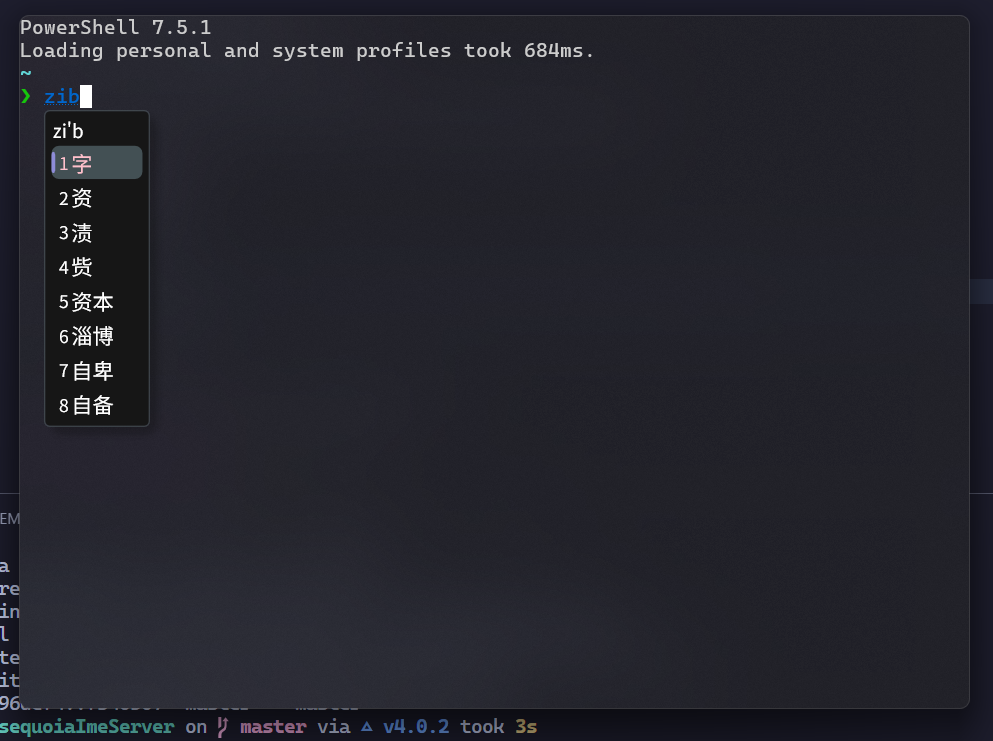
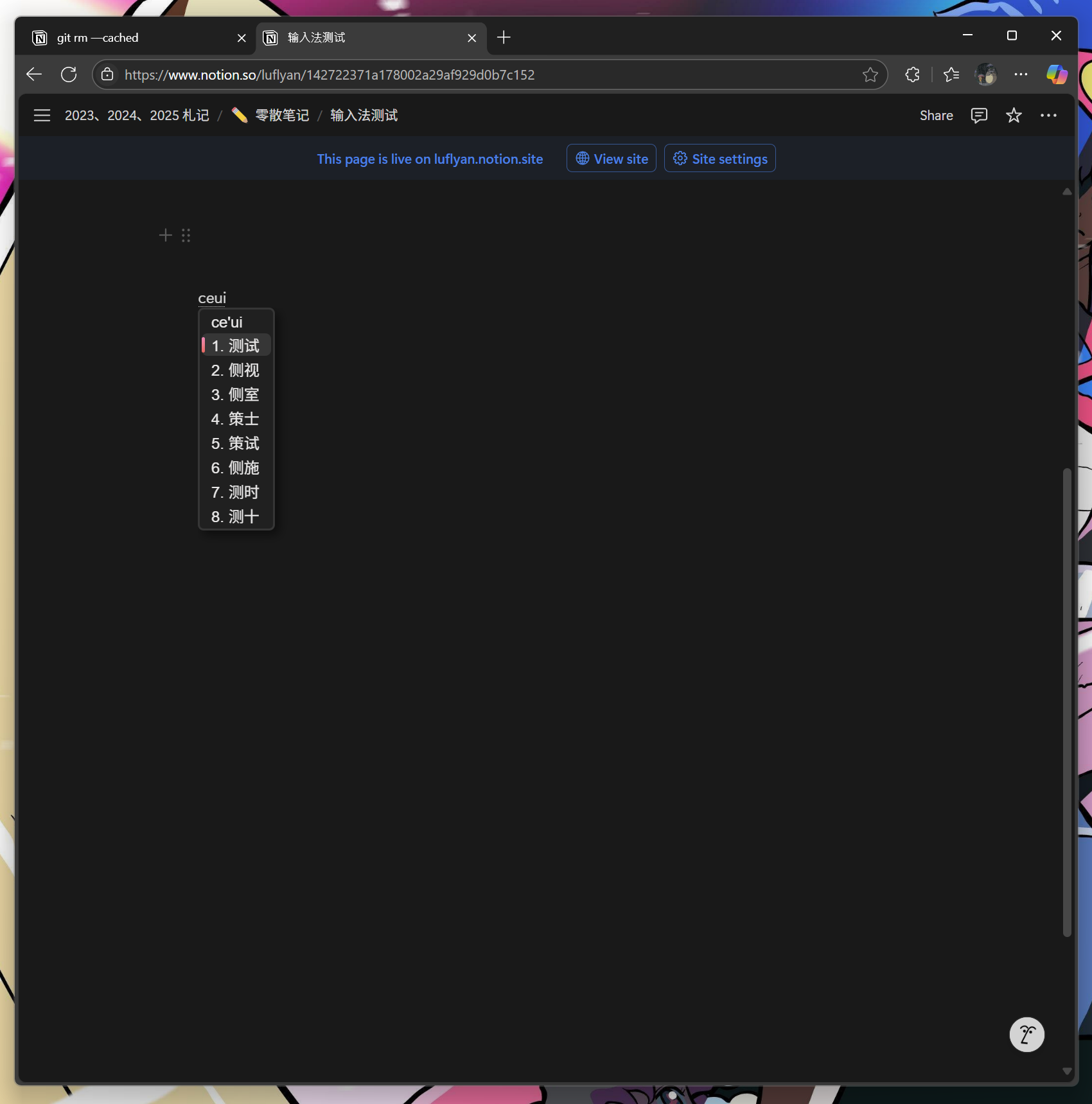
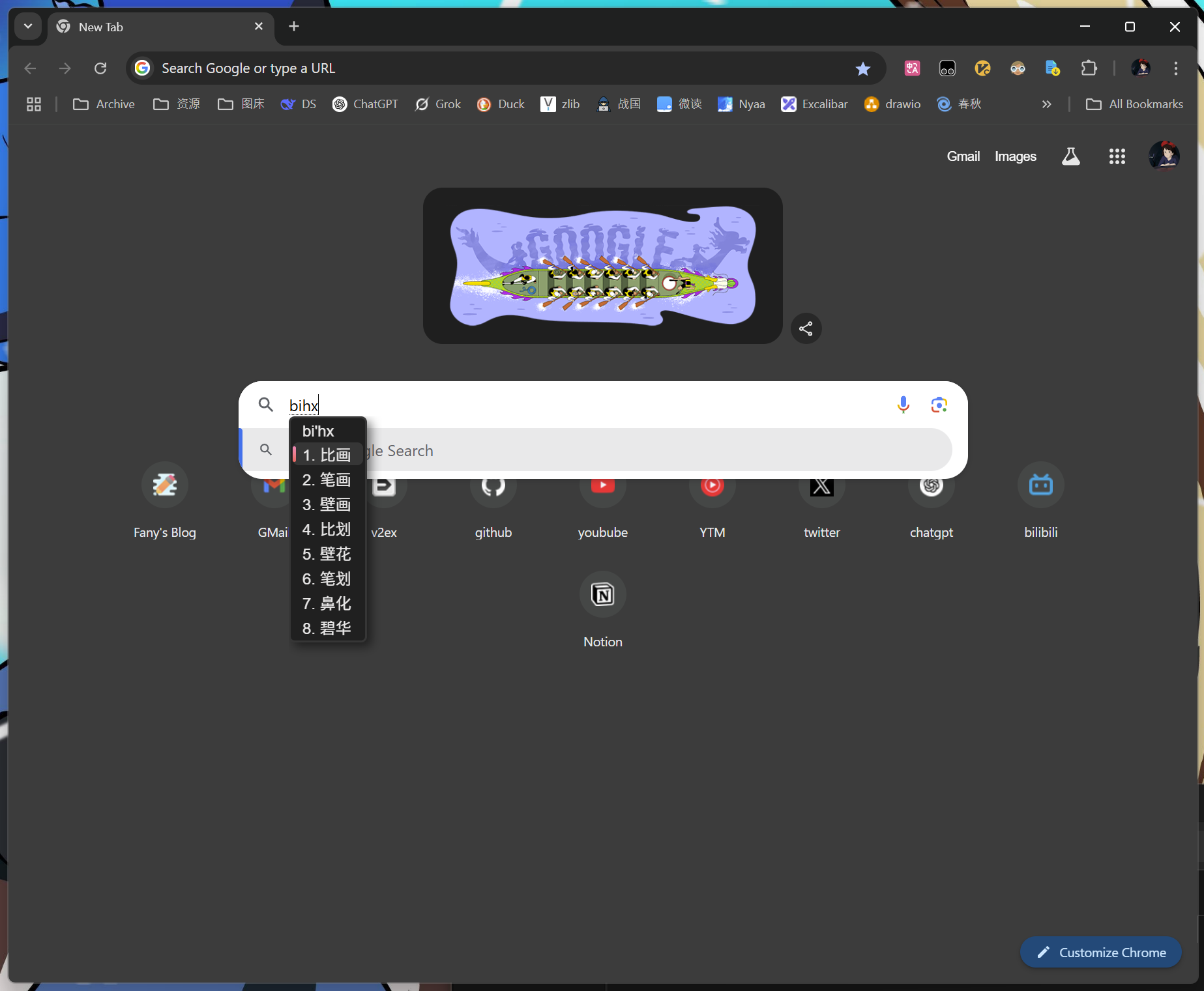
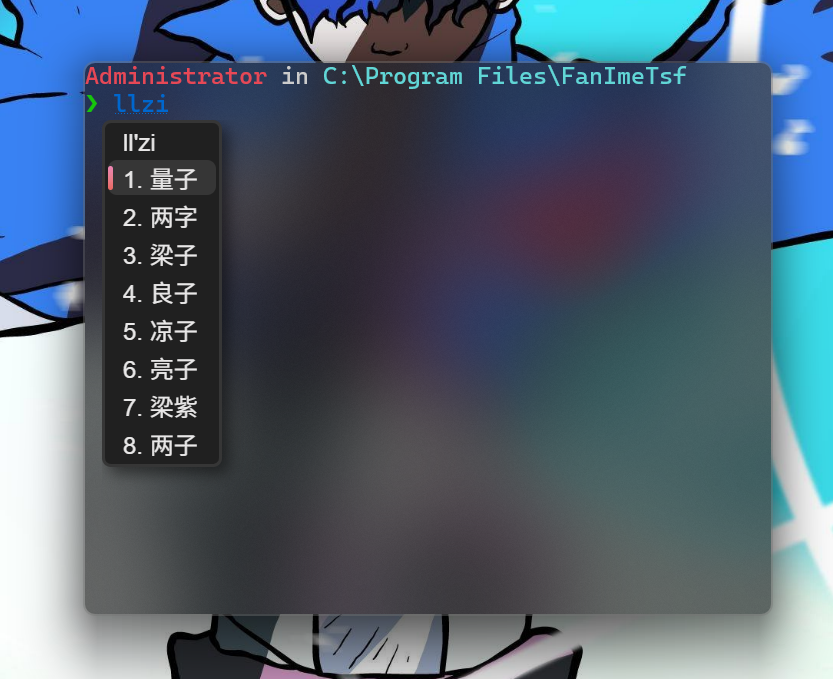
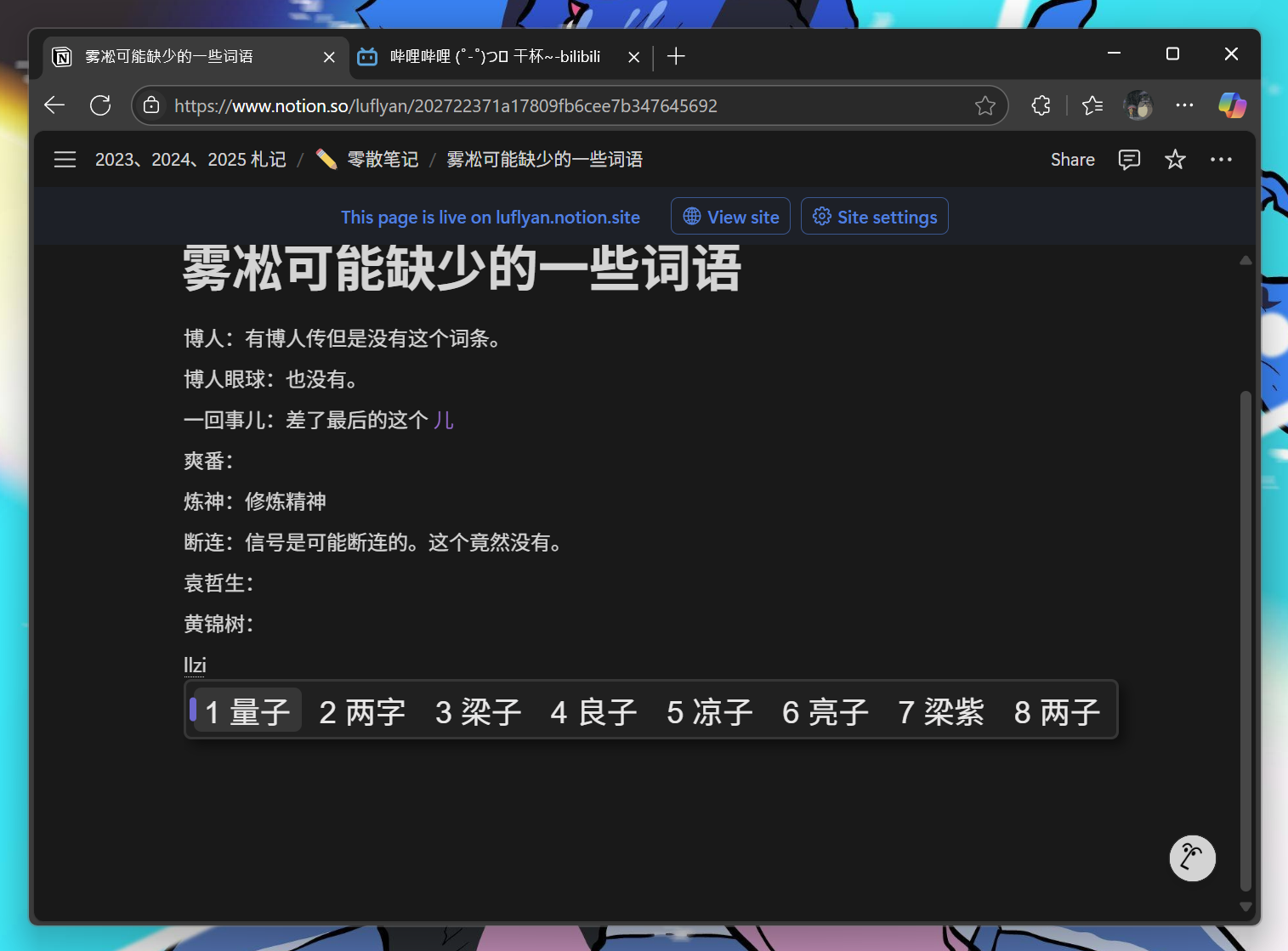
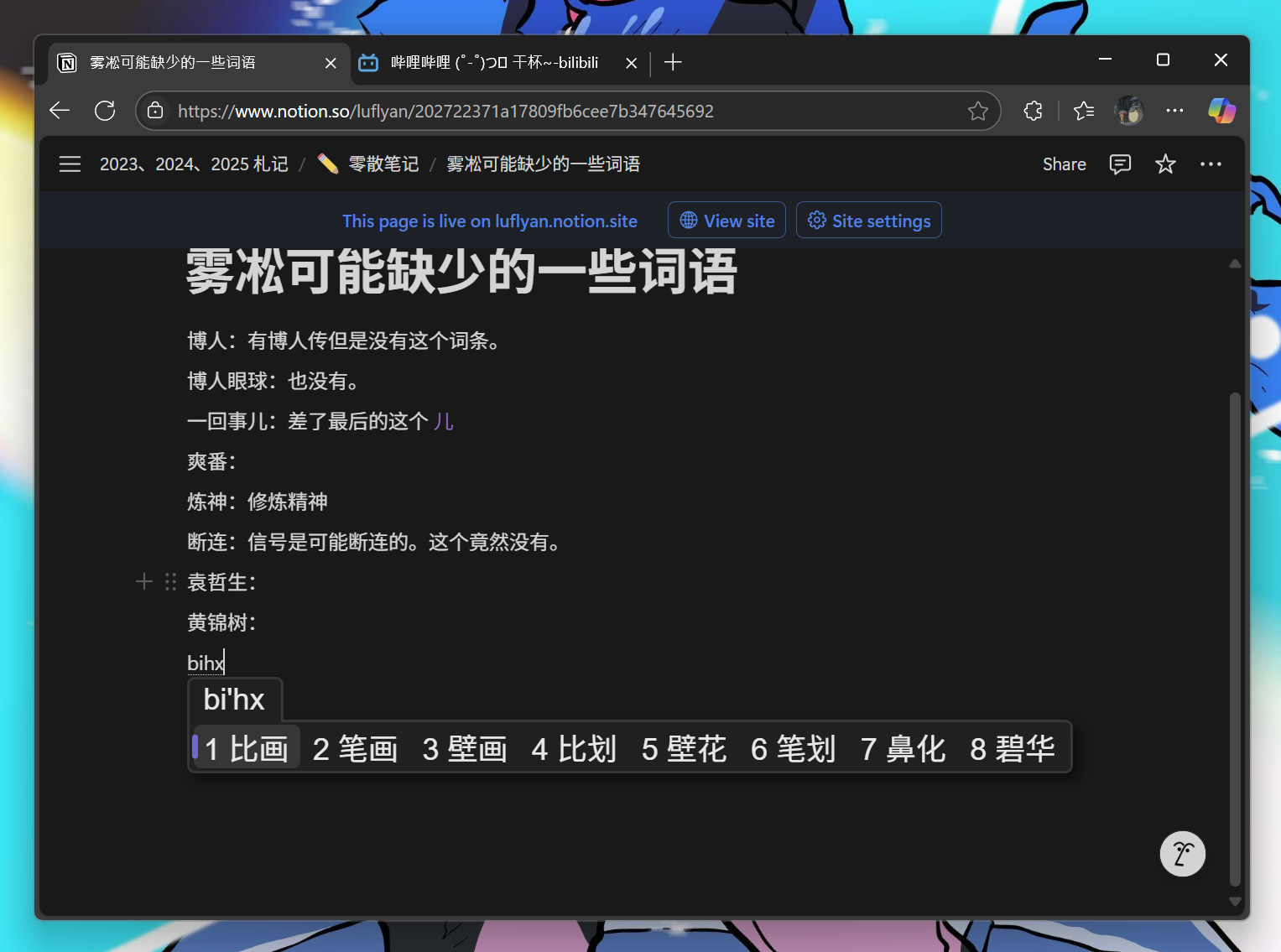
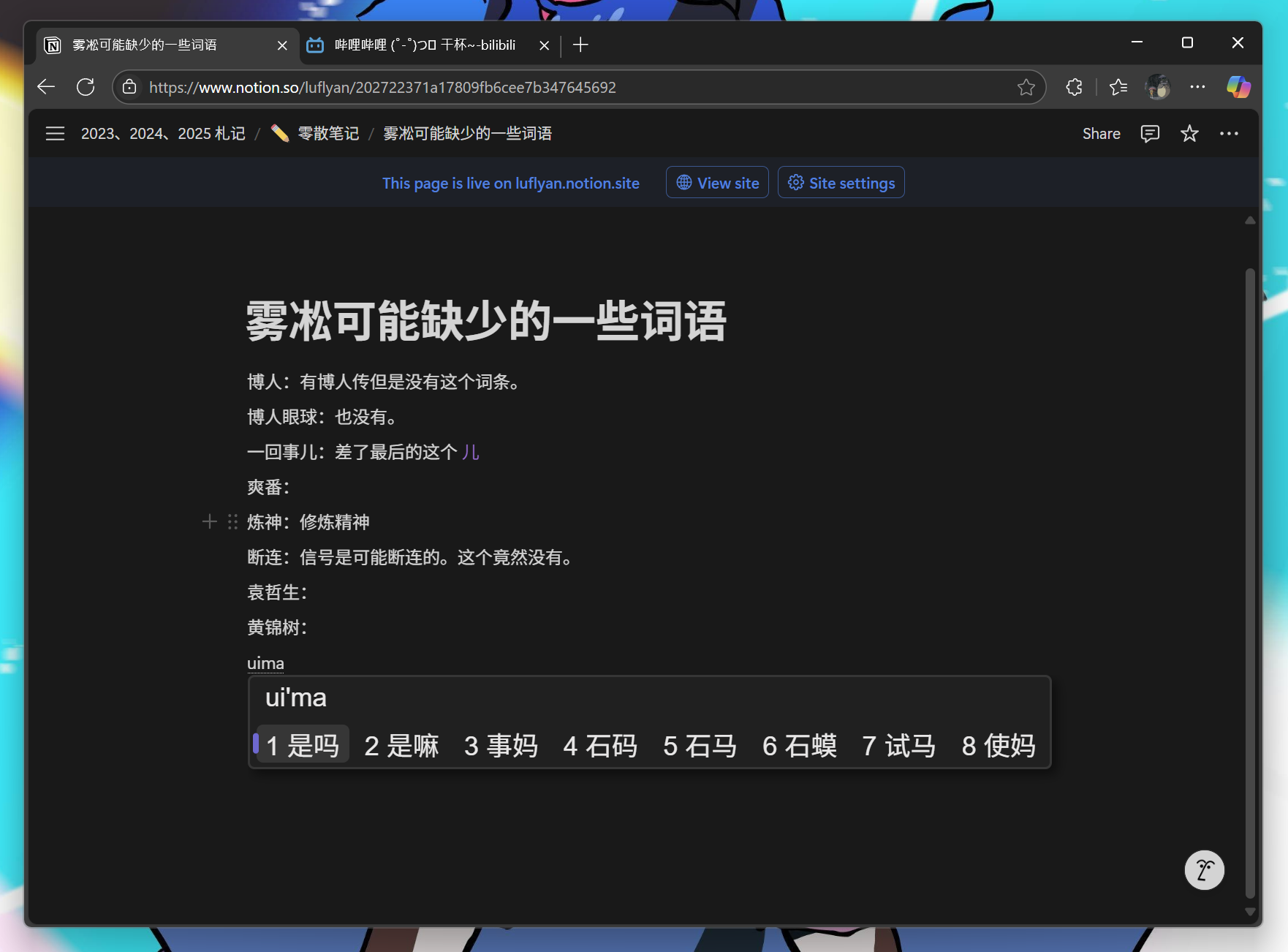
This is the server end of MetasequoiaImeTsf.
- Visual Studio 2026
- CMake
- vcpkg
- Python3.10+
- Boost
Make sure vcpkg and Boost are installed by Scoop.
First, build IME dictonary and prepare assets,
cd $env:LOCALAPPDATA
mkdir MetasequoiaImeTsf
cd MetasequoiaImeTsf
git clone --recursive https://github.com/metasequoiaime/MetasequoiaImeDict.git
cd .\MetasequoiaImeDict\makecikudb\xnheulpb\makedb\separated_jp_version
python .\create_db_and_table.py
python .\insert_data.py
python .\create_index_for_db.py
Copy-Item -Path .\out\cutted_flyciku_with_jp.db -Destination $env:LOCALAPPDATA\MetasequoiaImeTsfThen, clone and build MetasequoiaImeServer,
git clone --recursive https://github.com/metasequoiaime/MetasequoiaImeServer.gitPrepare environment,
cd MetasequoiaImeServer
python .\scripts\prepare_env.py
Copy-Item -Path .\assets\tables\* -Destination $env:LOCALAPPDATA\MetasequoiaImeTsf
New-Item -ItemType SymbolicLink -Path "$env:LOCALAPPDATA\MetasequoiaImeTsf\config.toml" -Target ".\assets\config\config.toml"
Then, build and run,
.\scripts\lcompile.ps1
.\scripts\lrun.ps1
If you want to build and run in one step, run the following command,
.\scripts\llaunch.ps1